SDK
Overview
- Language
- C, compiled to WebAssembly
- Memory
- 64 KB per app
- Numbers
- Integers only, no floating point
- Package
- app.wasm, manifest.json, translations, pictures, files
Getting started
Install the toolchain
wasi-sdk, Java, git.
shellgit clone https://github.com/GrakovNe/perinkpheral.git cd perinkpheral export WASI_SDK_PATH=$HOME/opt/wasi-sdk tools/perinkpheralCreate an application
shelltools/perinkpheral new ../myapp --title "My App"Build
shelltools/perinkpheral build ../myapp --out ../myapp/buildRun in the simulator
shelltools/perinkpheral sim ../myappRun on the device
shellexport PERINKPHERAL_HOST=perinkpheral-xxxx.local tools/perinkpheral run ../myapp --shot screen.png tools/perinkpheral press 2 2 --shot pressed.png tools/perinkpheral log --follow
Example
hello.c
#include "app_text.h"
#include "host_api.h"

static const char PRESSES_KEY[] = "presses";
static int32_t presses;

void app_init(void)
{
    /* Restore state: the host unloads the application
     * when it leaves the screen. */
    kv_get(PRESSES_KEY, sizeof PRESSES_KEY - 1, &presses, sizeof presses);
}

void app_on_terminate(void)
{
    kv_set(PRESSES_KEY, sizeof PRESSES_KEY - 1, &presses, sizeof presses);
}

void app_on_button(int32_t event)
{
    if (event == BTN_OK_PRESSED) {
        presses++;
        request_redraw(HOST_REDRAW_NORMAL);
    }
}

void app_on_draw(void)
{
    char line[32];
    app_text_t text;
    app_text_start(&text, line, sizeof line);
    app_text_add(&text, "Presses: ");
    app_text_add_number(&text, presses);

    gfx_text(HOST_UI_MARGIN, HOST_UI_MARGIN, HOST_FONT_TEXT, "Hello from wasm", 15);
    gfx_text(HOST_UI_MARGIN, 60, HOST_FONT_TEXT, line, app_text_length(line));
}
The manifest
manifest.json
{
"name": "weather",
"title": "Weather",
"version": "0.2.5",
"abi": 2,
"settings": [
{ "key": "city", "type": "place", "title": "City",
"latitude": "lat", "longitude": "lon" },
{ "key": "lat", "type": "number", "title": "Latitude" },
{ "key": "lon", "type": "number", "title": "Longitude" },
{ "key": "every", "type": "choice", "title": "Update interval",
"options": ["15 min", "30 min", "1 hour", "3 hours"] }
],
"polls": [
{
"url": "https://api.open-meteo.com/v1/forecast?latitude={{lat}}&longitude={{lon}}¤t=temperature_2m,weather_code",
"every": "{{every}}",
"pick": ["current.temperature_2m", "current.weather_code"]
}
]
}| Key | Meaning |
|---|---|
name | Unique id: 1-13 characters, a-z, 0-9, - and _ |
title | Name in the menu, up to 23 characters |
polls | Web requests the device makes on a schedule, up to 4 |
hosts | Servers the app may contact |
settings | Up to 8. Types: text, secret, number, choice, toggle, place, url, link, list |
intents | System events to receive: device start, clock change, network back |
icon | 11 x 11 pixel icon: # black, . white |
fullscreen | Use the whole screen, without the top bar |
writes_files | The app saves files; 32 KB are reserved for it |
system | Access to device settings, clock and apps; the user confirms on install |
certificates | Certificates for servers that browsers do not trust |
companion | A web page that helps the user set the app up |
firmware | The oldest firmware the app runs on; the build works it out from the calls it makes |
Handlers and state
| Function | Called when |
|---|---|
app_init() | The app starts |
app_on_focus() / app_on_blur() | The app appears on screen or leaves it |
app_on_terminate() | The app is about to close: save state here |
app_on_button(event) | A button is pressed, released, or held |
app_on_back() | BACK is pressed, for apps with several pages |
app_on_draw() | The screen needs drawing |
app_on_timer(id) | A timer fired, while the app is on screen |
app_on_alarm(id) | An alarm fired, even if the app is closed |
app_on_values(poll, status) | Scheduled data arrived, already parsed |
app_on_data(...) | A piece of a response arrived |
app_on_settings() | The user changed the settings |
app_on_intent(type) | A system event the app asked for |
app_on_installed() / app_on_updated() | First start after install or update |
Buttons and state
- Buttons
- 1 up, 2 OK, 3 down, 4 back; hold BACK for the menu
- Saved data
- kv_set(), kv_get()
Network data
- On a schedule
- Requests in the manifest
- On demand
- http_request() from the code
- Ready values
- List JSON paths in "pick": app_on_values() gets the values
- Raw response
- Without "pick": app_on_data() gets the response piece by piece
- Show on screen
- request_focus() opens the app when its data arrives
weather.c
void app_on_values(int32_t poll, int32_t http_status)
{
    /* Values of the "pick" paths, in order. 1 decimal: tenths. */
    int32_t temperature, code;
    if (http_status == 200 &&
        app_value_number(0, 1, &temperature) &&
        app_value_number(1, 0, &code)) {
        state.temperature = temperature;
        state.code = code;
        app_state_save("state", &state, sizeof state);
        request_redraw(HOST_REDRAW_NORMAL);
    }
}
Graphics and UI kit
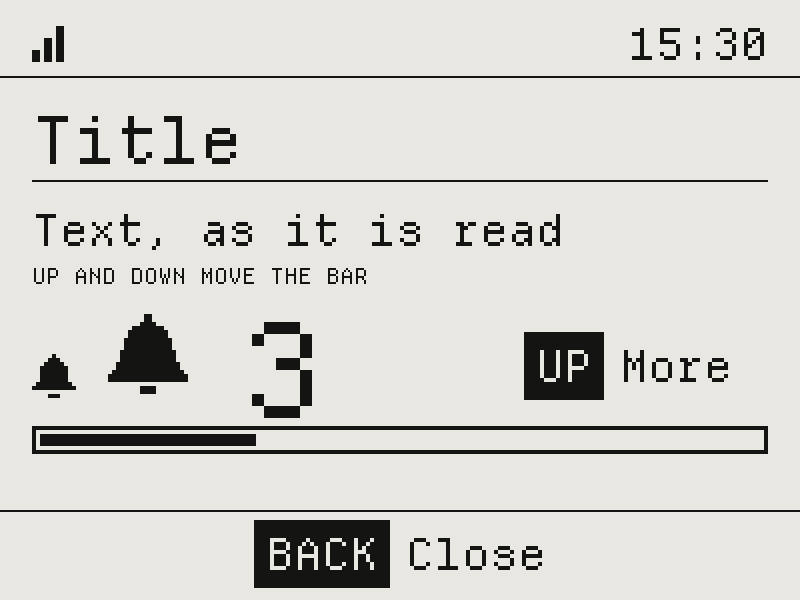
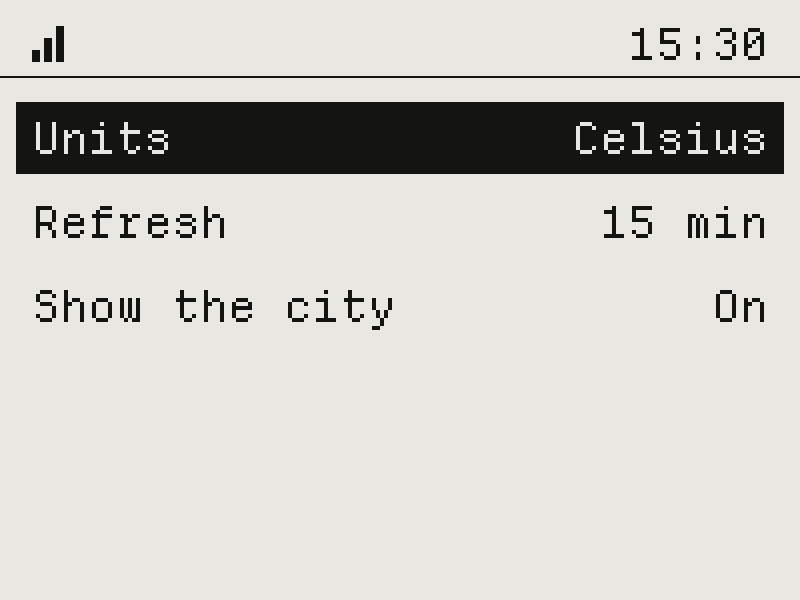
| Part | Functions |
|---|---|
| Text in four styles | ui_text, ui_text_lines, ui_title |
| List with scroll bar | ui_list_row, ui_list_visible |
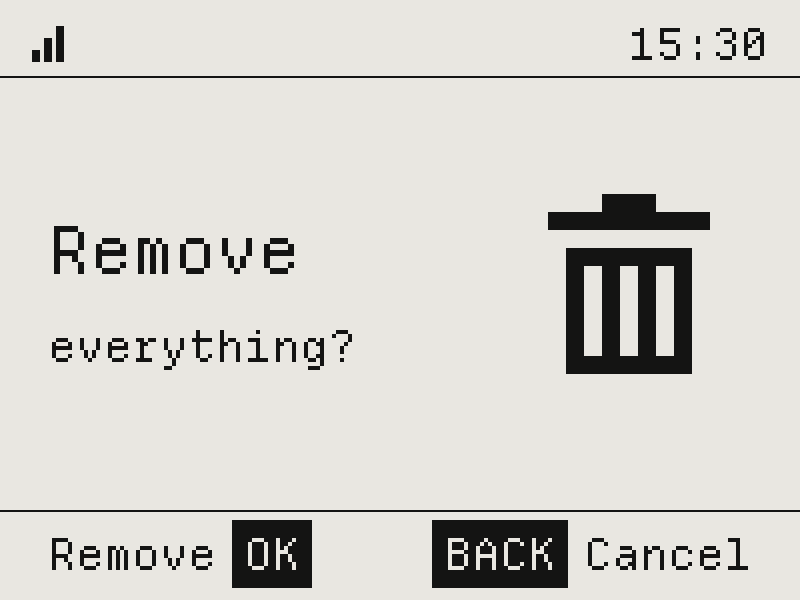
| Dialog: text, icon, buttons | ui_notice |
| Tile: name, picture, value | ui_cell, ui_cell_fit |
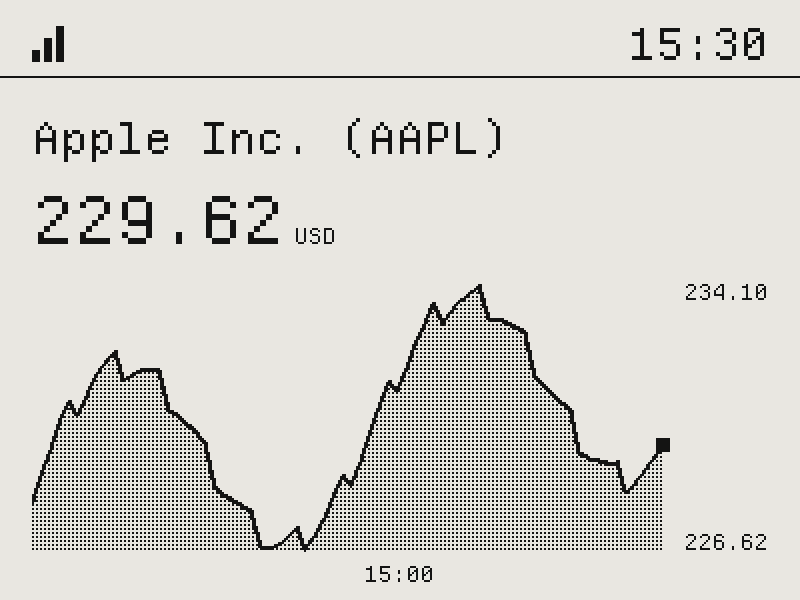
| Chart: line, area, bars, steps | ui_chart |
| Value with unit | ui_value |
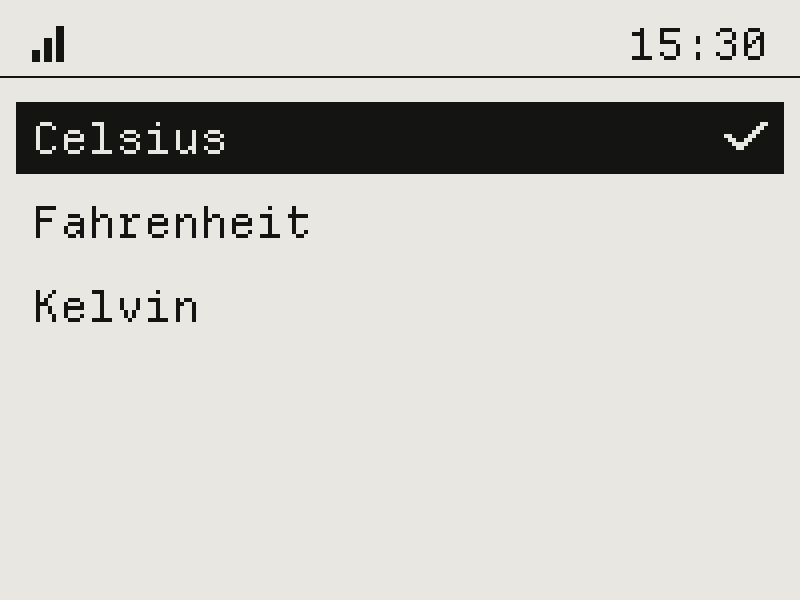
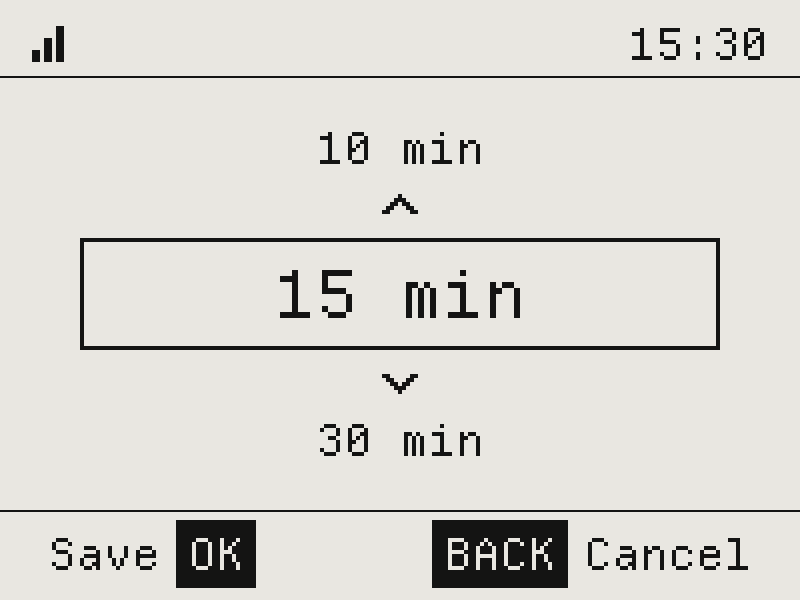
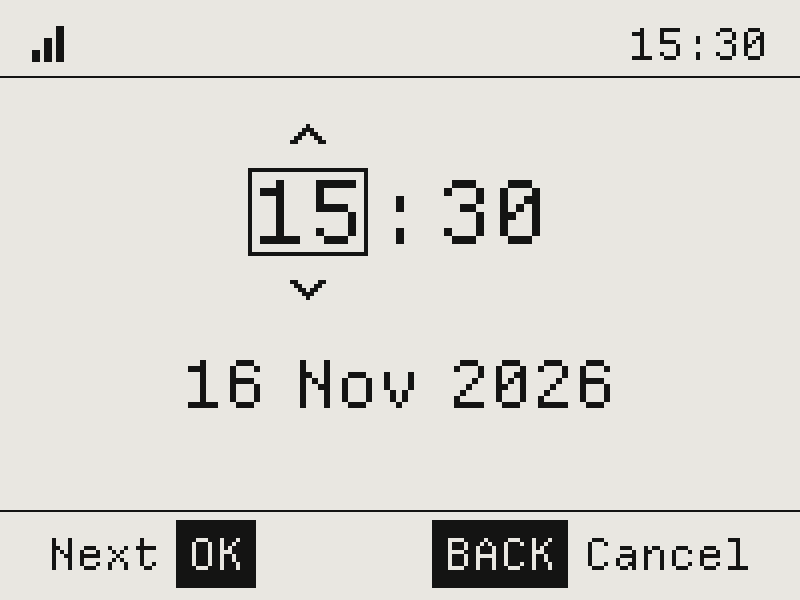
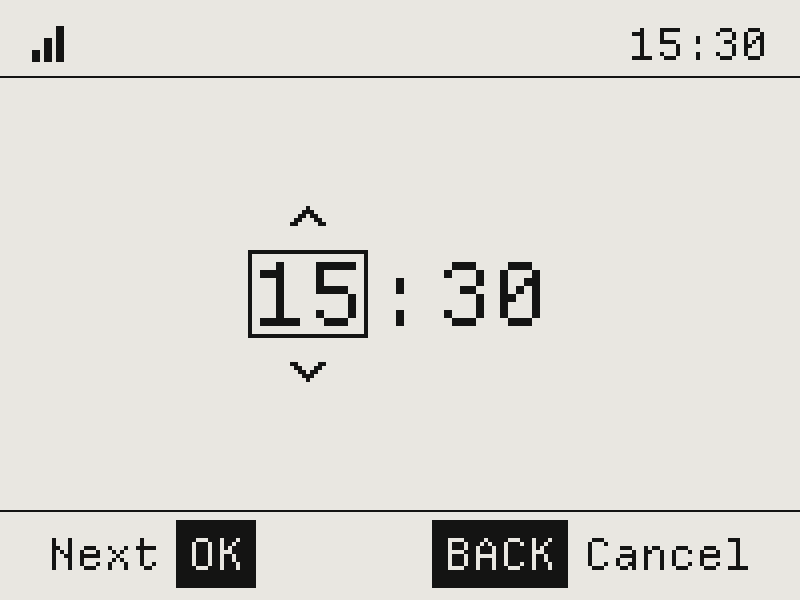
| Choice of a value, date and time | ui_picker, ui_date |
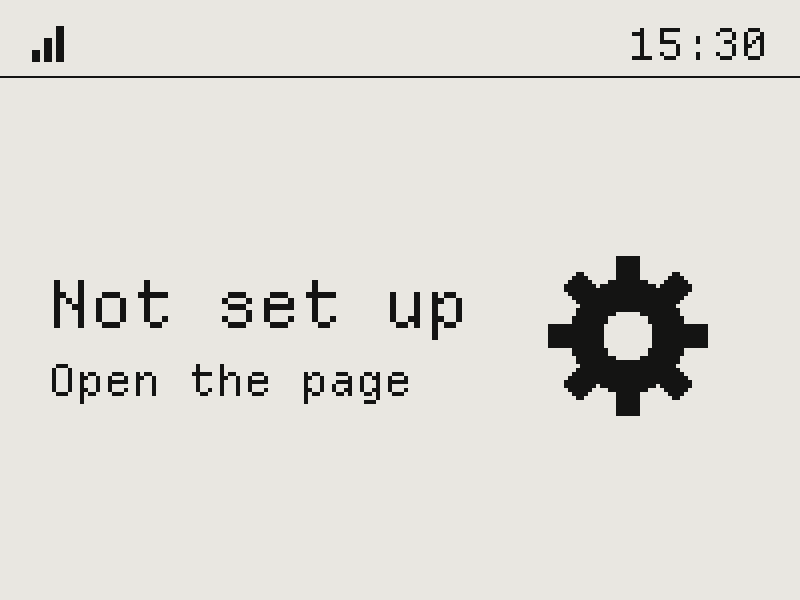
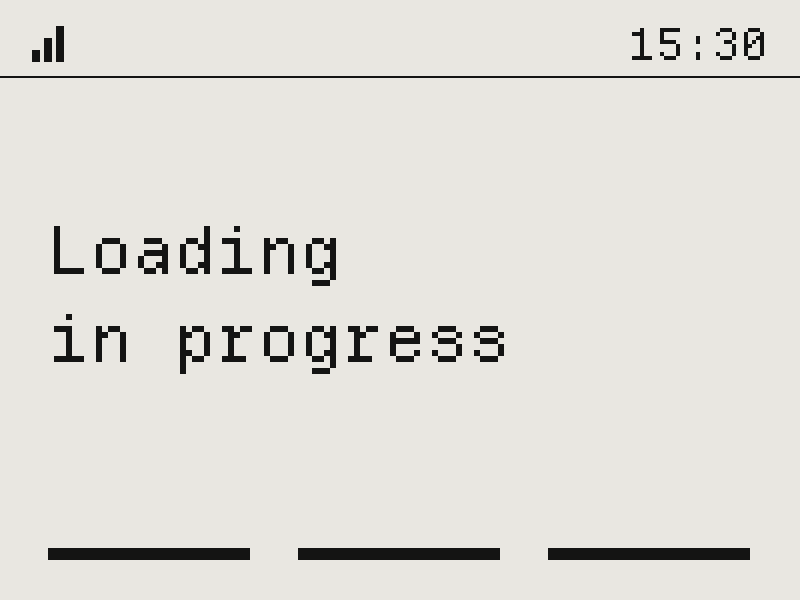
| Message while there is nothing to show | ui_reason |
Limits
| What | Limit |
|---|---|
| App size | 48 KB |
| Memory | 64 KB |
| Time per call | 3 s |
| Saved data | 2 KB, up to 1 KB per value |
| Files | 64 KB in the package; 32 KB if the app writes files |
| Scheduled requests | 4, every 10 s to 1 day |
| Requests at once | 16 |
| Response size | 256 KB parsed, 4 MB piece by piece |
| Settings | 8, values up to 255 bytes |
| Timers and alarms | 4 and 4 |
| Apps on a device | Up to 24, while there is space |
Tools
| Command | Description |
|---|---|
new <dir> | Start a new app |
build <app> --out <dir> | Build and check |
sim <app> | Run in the simulator |
run <app> | Run on the device |
serve [app] | A page with the device screen, buttons and log |
shot / press / open | Screenshot, press buttons, open an app |
log [--follow] | Device log |
set <app> <key> <value> | Change an app setting |
catalog <folder> --out <dir> | Build a catalog |
strings export / import | Translations as a spreadsheet |
flash [image] | Update the firmware over Wi-Fi |
usb <port> | Control a device over USB |
CLion plugin
- Runs on
- Device, simulator (macOS, Linux)
- Includes
- Toolchain setup, live device screen, manifest checks, firmware upload
Publishing
shell
tools/perinkpheral catalog apps --out catalog